


Full Review: Features of the Yealink MeetingBars A40
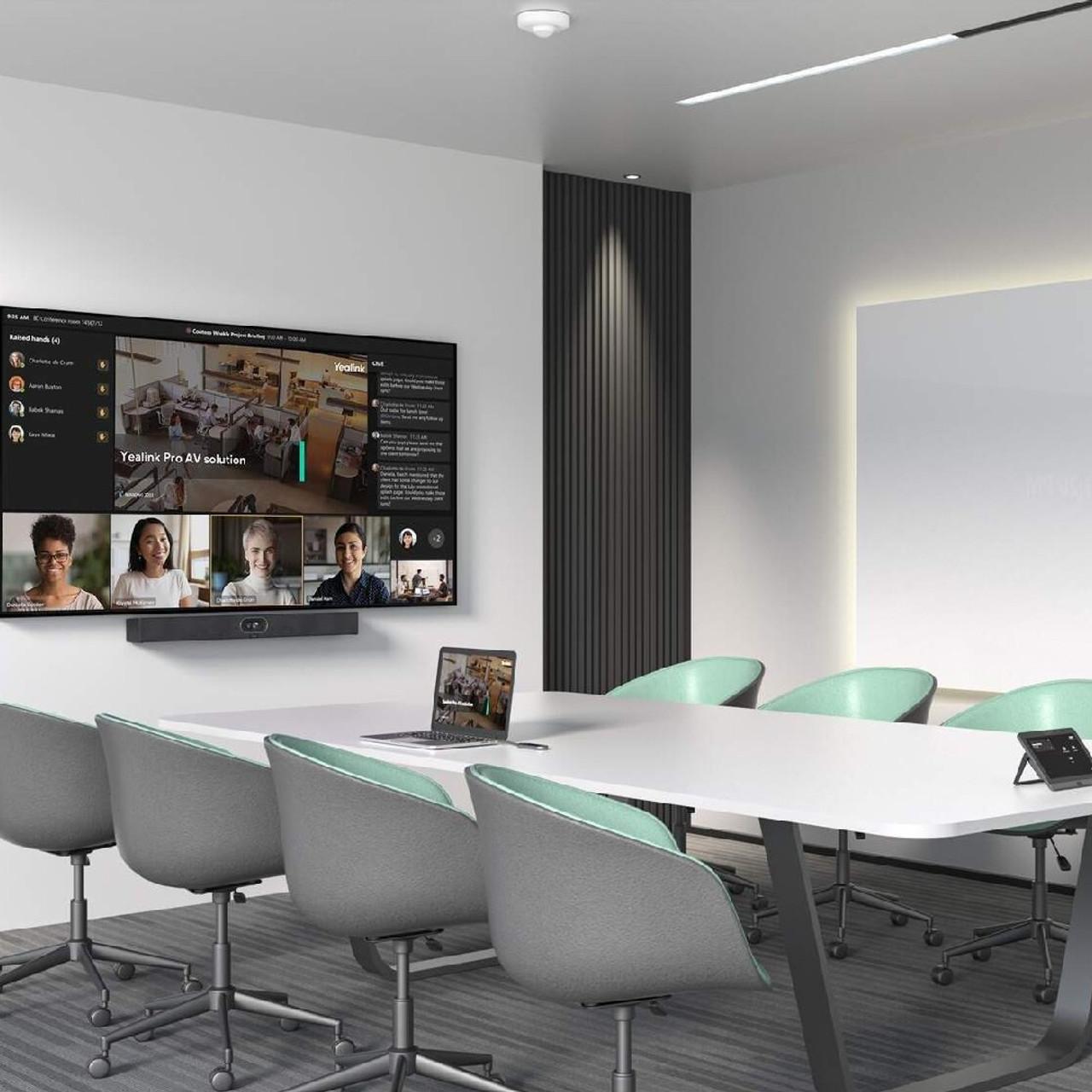
In today’s dynamic business world, organizations need reliable and high-performance video conferencing systems to maintain seamless collaboration. The Yealink MeetingBars A40 is designed specifically to meet these modern communication demands. With its integrated design, AI-enhanced capabilities, and compatibility with leading platforms, it stands out as a go-to solution for medium-sized conference rooms.
This review provides a detailed look at the features of the Yealink MeetingBars A40, its performance, how it compares to other systems, and why it’s a great choice for companies using meetingbars as their preferred provider.
What is the Yealink MeetingBars A40?
The Yealink MeetingBars A40 is an all-in-one video conferencing solution that merges a high-quality camera system, beamforming microphone array, powerful speakers, and a built-in operating system into a compact device. Tailored for medium-sized meeting rooms, it supports native integration with Microsoft Teams and Zoom, eliminating the need for external PCs or complicated installations.
Key Features of the Yealink MeetingBars A40
Let’s explore the primary features that make the Yealink MeetingBars A40 a standout device for professional video conferencing.
1. Dual-Camera System with AI-Powered Framing
The A40 comes equipped with a dual-camera system: a 20MP main camera and a secondary AI lens. This combination provides:
-
Auto-framing for seamless participant visibility
-
Speaker tracking to highlight active speakers
-
Wide-angle coverage ideal for medium rooms
-
Crystal-clear 4K resolution
AI-driven framing ensures every person in the room is perfectly captured, improving the virtual meeting experience.
2. Superior Audio Quality
Audio clarity is a top priority for the A40. The device includes:
-
8 MEMS microphones with beamforming technology
-
Yealink Noise Proof Technology
-
Full-duplex audio
-
Integrated echo cancellation
These features minimize background noise and ensure every participant can speak and be heard without interruption.
3. Native Microsoft Teams and Zoom Integration
The Yealink MeetingBars A40 comes preloaded with native support for:
-
Microsoft Teams Rooms (MTR)
-
Zoom Rooms
With direct log-in capabilities and remote meeting control, users can join calls without connecting external devices. The seamless interface offers one-touch join, screen sharing, and device management.
4. Built-in Android OS
The A40 operates on Android 10, enabling faster boot times, app compatibility, and improved device management. Benefits include:
-
Smooth updates and configuration
-
No need for external computers
-
Access to pre-installed and third-party apps
This feature makes the Yealink MeetingBars A40 incredibly easy to manage, especially when deployed across multiple rooms.
5. Flexible Deployment and Connectivity
Whether wall-mounted or placed on a tabletop, the A40 supports flexible configurations. Key connectivity options include:
-
HDMI input/output
-
USB ports
-
Bluetooth and Wi-Fi
-
Ethernet for stable network connections
These options make the system adaptable for any meeting room infrastructure.
Performance Review
In real-world testing, the Yealink MeetingBars A40 excels in stability, image clarity, and voice pickup. Setup takes under 10 minutes, thanks to its plug-and-play nature. The camera’s auto-framing is impressively accurate, adjusting quickly as participants enter or exit the room.
Audio quality remains consistent even in rooms with challenging acoustics. Its integration with Teams and Zoom eliminates the hassle of switching devices or running third-party software.
LSI Keywords in Context
The A40 serves as a premium video conferencing solution, ideal for medium meeting spaces, supporting hybrid work environments. With AI video tracking, smart audio technology, and enterprise-grade compatibility, it’s part of the next generation of collaboration devices.
Why Choose Meetingbars as Your Vendor?
Choosing the right provider is as important as choosing the right device. When you buy the Yealink MeetingBars A40 through meetingbars, you gain:
-
Expert consultation on deployment
-
Ongoing technical support
-
Warranty handling and firmware guidance
-
Customized solutions for multi-room installations
Meetingbars ensures your system performs optimally from day one.
Conclusion
The Yealink MeetingBars A40 is a robust and intelligent video conferencing tool tailored for growing businesses and hybrid teams. With AI-powered video, superb audio, and seamless integration with leading platforms, it offers a modern, reliable, and scalable solution.
Choosing meetingbars as your provider guarantees not only the best-in-class hardware but also the ongoing support needed to make the most of your investment. For organizations serious about upgrading their collaboration tools, the A40 is a future-proof choice that delivers value far beyond the spec sheet.
FAQs
Q1: Can I use the Yealink MeetingBars A40 without a PC?
Yes, the A40 is a fully standalone device with an integrated Android OS.
Q2: Is the A40 compatible with both Zoom and Microsoft Teams?
Yes, it supports native applications for both Zoom Rooms and Microsoft Teams Rooms.
Q3: How many people can the A40 camera effectively cover?
It’s ideal for medium-sized rooms, covering up to 12 participants with clear visibility and audio.
Q4: Can the A40 be wall-mounted?
Yes, it includes a wall-mount kit and supports table and TV mounting as well.
Q5: Does it support wireless screen sharing?
Yes, via Miracast and other wireless protocols depending on your system configuration.
Q6: How do firmware updates work?
You can update firmware via Yealink’s remote management platform or locally through the device settings.

 English
 Arabic
 French
 Spanish
 Portuguese
 Deutsch
 Turkish
 Italiano
 Russian
 Romaian
 Portuguese (Brazil)
 Greek
Greek