


Fix a Jammed Panasonic Microwave Door Fast
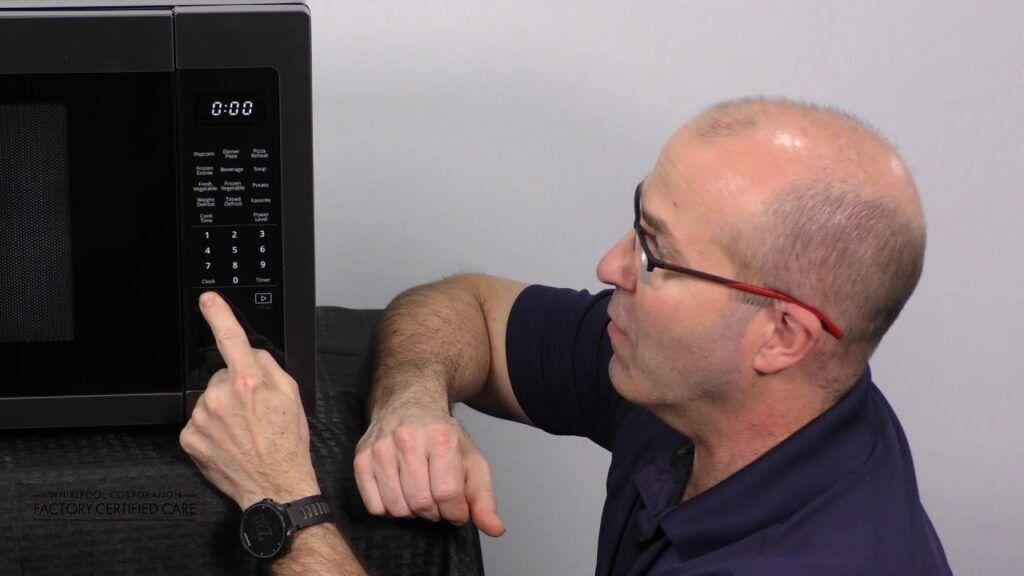
Microwaves are among the most frequently used appliances in modern homes, so it’s no surprise that any malfunction—especially a jammed door—can be frustrating. If you live in the city and find yourself in need of small kitchen appliance repair Toronto, there are plenty of professionals ready to assist. But if you’re looking to understand or try a quick fix before calling in help, this guide covers the essential steps to diagnose and potentially fix a jammed Panasonic microwave door on your own.
Understanding Why the Door Gets Stuck
Before diving into repairs, it helps to understand the mechanism behind microwave doors. Panasonic microwave doors have interlocking latches that connect to internal switches, which prevent the microwave from running while open. These safety systems can sometimes get out of alignment, or the latch can break, causing the door to become stuck.
Common causes include:
-
Accumulated grease or food debris in the latch
-
Warping from heat over time
-
Faulty springs or door switches
-
Broken latch hooks
-
Mechanical failure of the door release button
Step 1: Disconnect the Microwave
Safety always comes first. Unplug your microwave from the power outlet before attempting any inspection or repair. Microwaves hold electrical charge even when unplugged, especially near the capacitor, so we recommend avoiding any internal electrical components unless you are a trained technician.
Step 2: Check for External Obstructions
Look closely at the area where the microwave door meets the frame. Food splatter or debris lodged around the latch or hinges may be enough to jam the door. Use a flashlight to inspect these areas and gently clean with a damp cloth and a mild detergent. Avoid forcing the door open at this stage.
Step 3: Inspect the Door Latch Mechanism
If the door still won’t open, the problem may lie with the latch hooks. These are typically made of plastic and can become misaligned or break entirely. Open the microwave (if possible) and press the door release button while watching the latch movement. If nothing moves, the latch might be stuck or broken internally.
To access the latch:
-
Remove the outer cover of the microwave (this may void the warranty—check your user manual first).
-
Locate the latch hook and check its movement.
-
If stuck, apply a small amount of silicone-safe lubricant.
-
If broken, you’ll need to replace the latch mechanism, which is often sold as a kit for your specific model.
Step 4: Test the Door Springs and Hinges
Panasonic microwaves use small internal springs to allow smooth opening and closing. Over time, these can loosen or break. If you hear clicking but no motion when pressing the release button, the issue may stem from a disconnected spring.
Gently test the hinges and see if there's any resistance or wobbling. Loose hinges might allow the door to misalign with the frame, preventing it from releasing properly.
Panasonic Microwave Locked
Some users mistakenly assume a stuck door means a hardware issue, but in some models, the issue can be electronic. A “Panasonic microwave locked” message on the display may indicate that the child lock function has been activated. This safety feature disables all buttons and sometimes prevents the door from opening.
To disable child lock on most Panasonic models:
-
Press the "Stop/Reset" button three times.
-
Look for a “lock” icon to disappear from the screen.
If the message persists, consult your microwave’s user manual for the exact reset procedure. In rare cases, a software error may require a full power reset (by unplugging the unit for a few minutes).
Step 5: Consider Replacing Damaged Parts
If you've identified a broken latch, hinge, or internal spring, it’s best to replace the component with a genuine Panasonic part. These are available through Panasonic’s official support or third-party appliance parts distributors. Be sure to match your model number exactly when ordering parts.
Step 6: When to Call a Professional
If the issue involves complex internal mechanics, electrical components, or persistent software errors, it’s best to call in a certified technician. Attempting to dismantle or repair these areas without proper training can be dangerous. Look for service centers or specialists that handle Panasonic products specifically, as they’ll be more familiar with the parts and design.

 English
 Arabic
 French
 Portuguese
 Deutsch
 Turkish
 Dutch
Dutch
 Italiano
 Russian
 Romaian
 Portuguese (Brazil)
 Greek
Greek